
 WordPress affiliate plugin
Comparisons you design right on the preview
Devenzi Product Boxes is for blogs and review sites that recommend products. Click any text to type, click any element to style it, drag products into order. Tables, cards and product boxes come from one product library, with Amazon-safe prices and ad labels built in. Pro adds a carousel, a shop with filters and a product finder.
- Free and without limits, as many comparisons as you like
- Amazon-safe prices and ad labels
- No cookies for the click statistics
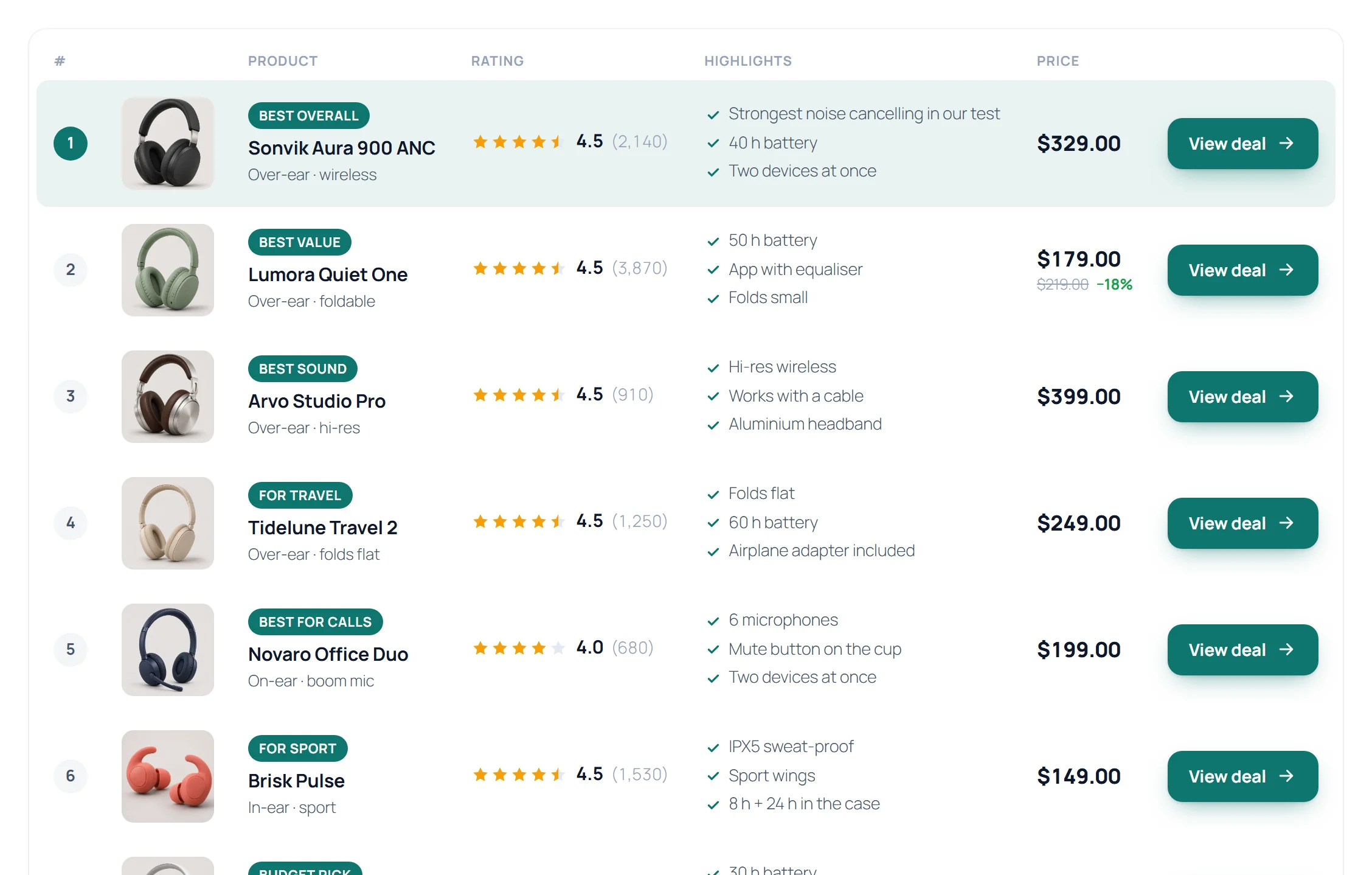
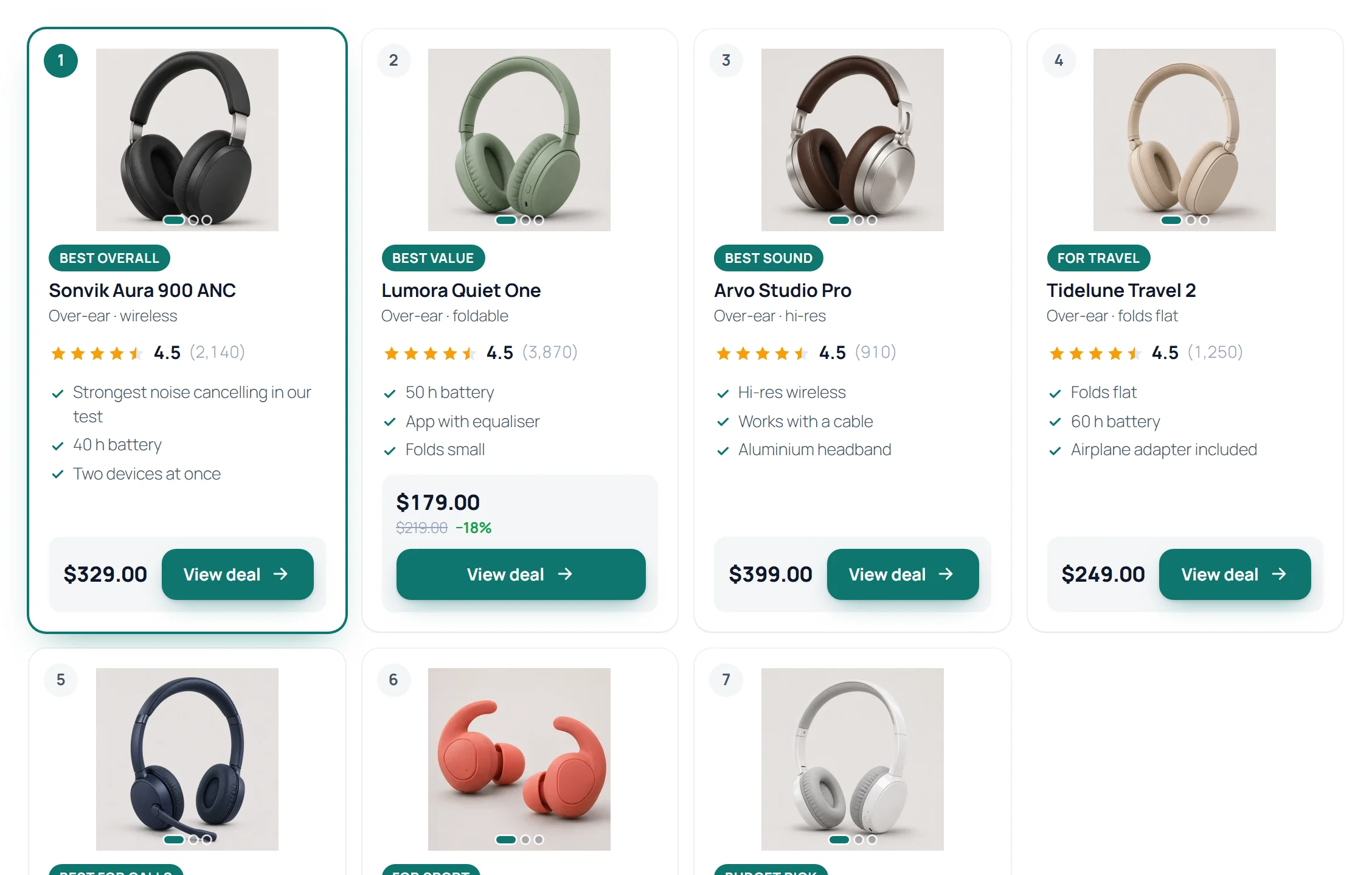
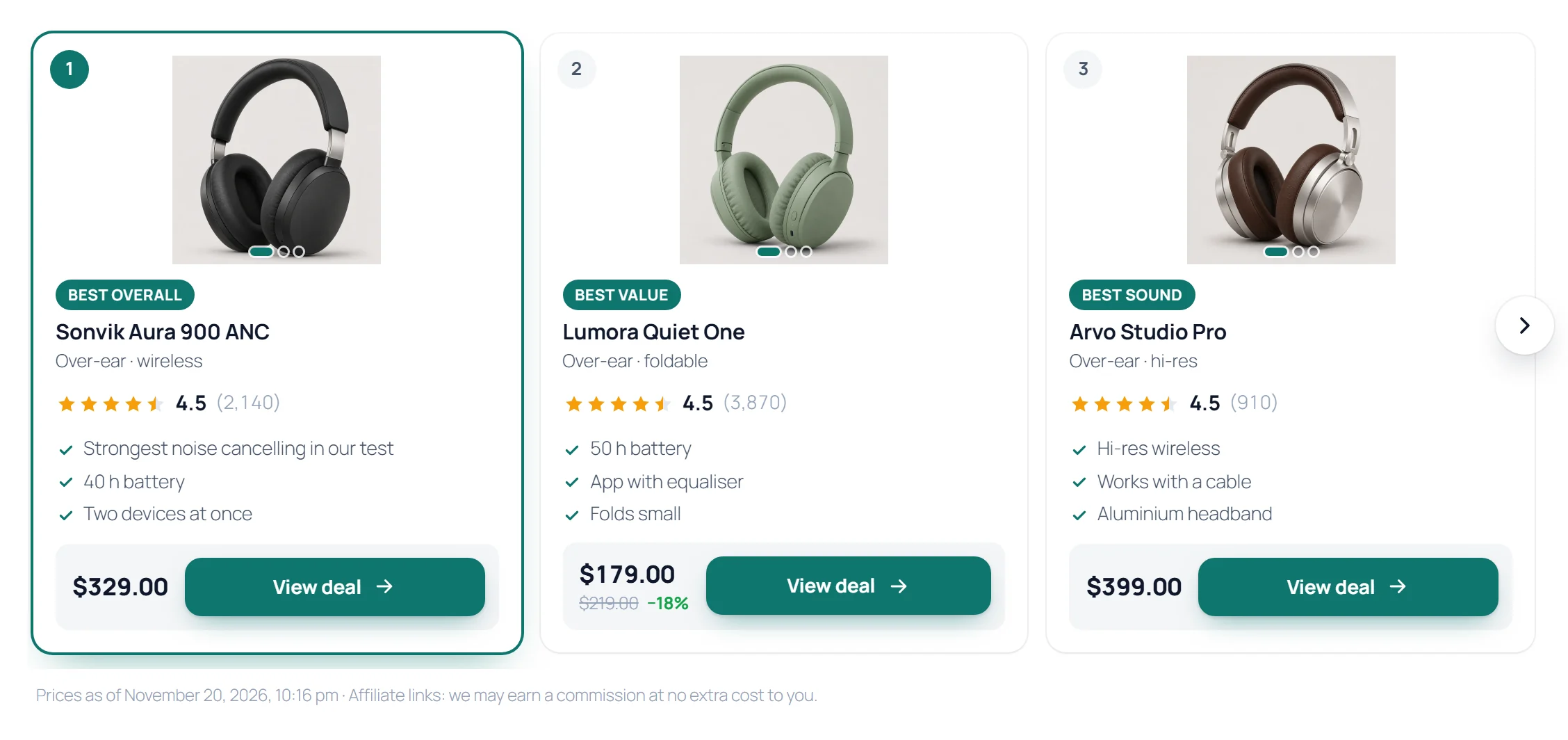
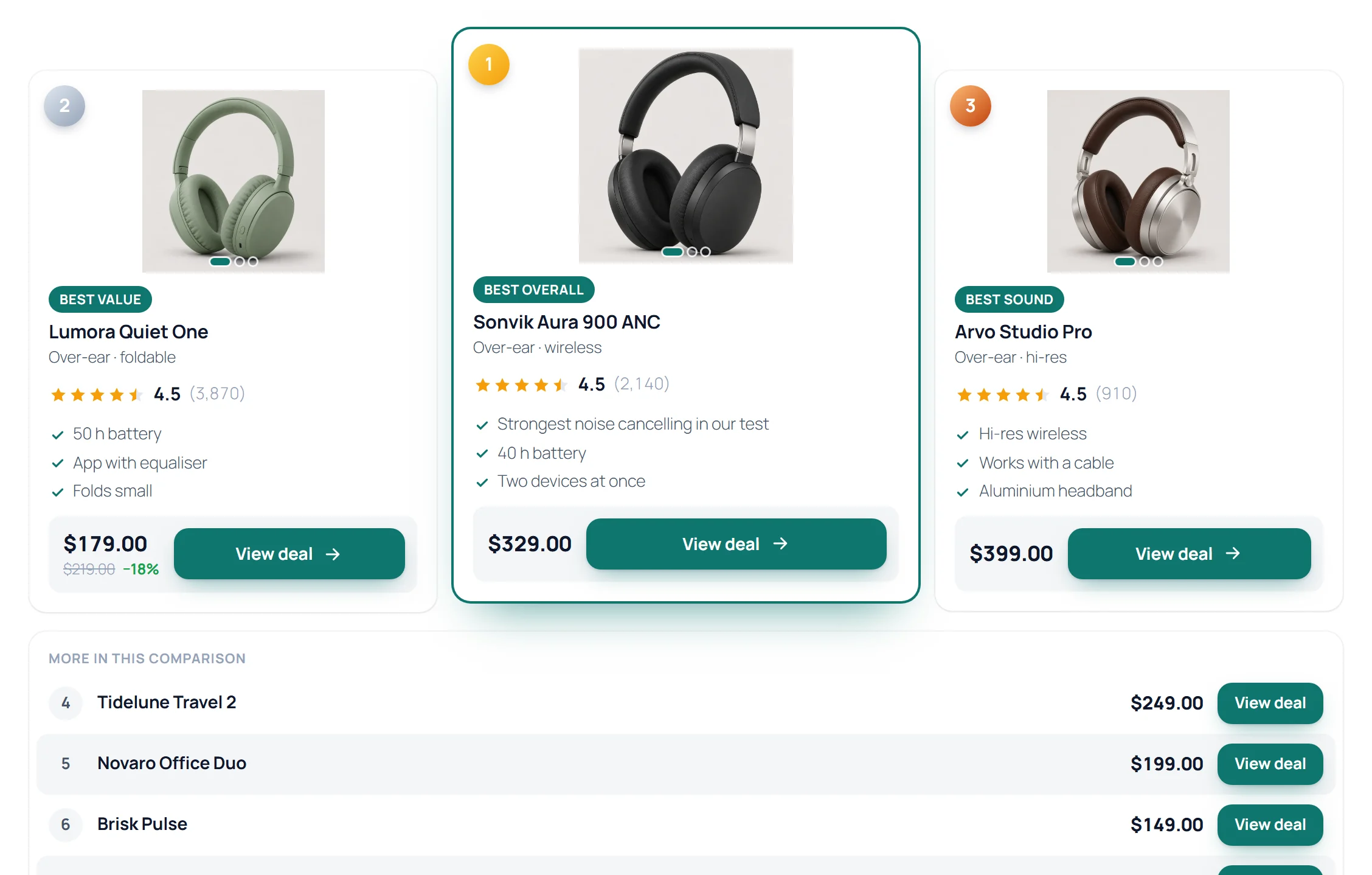
No forms: you design on the live preview
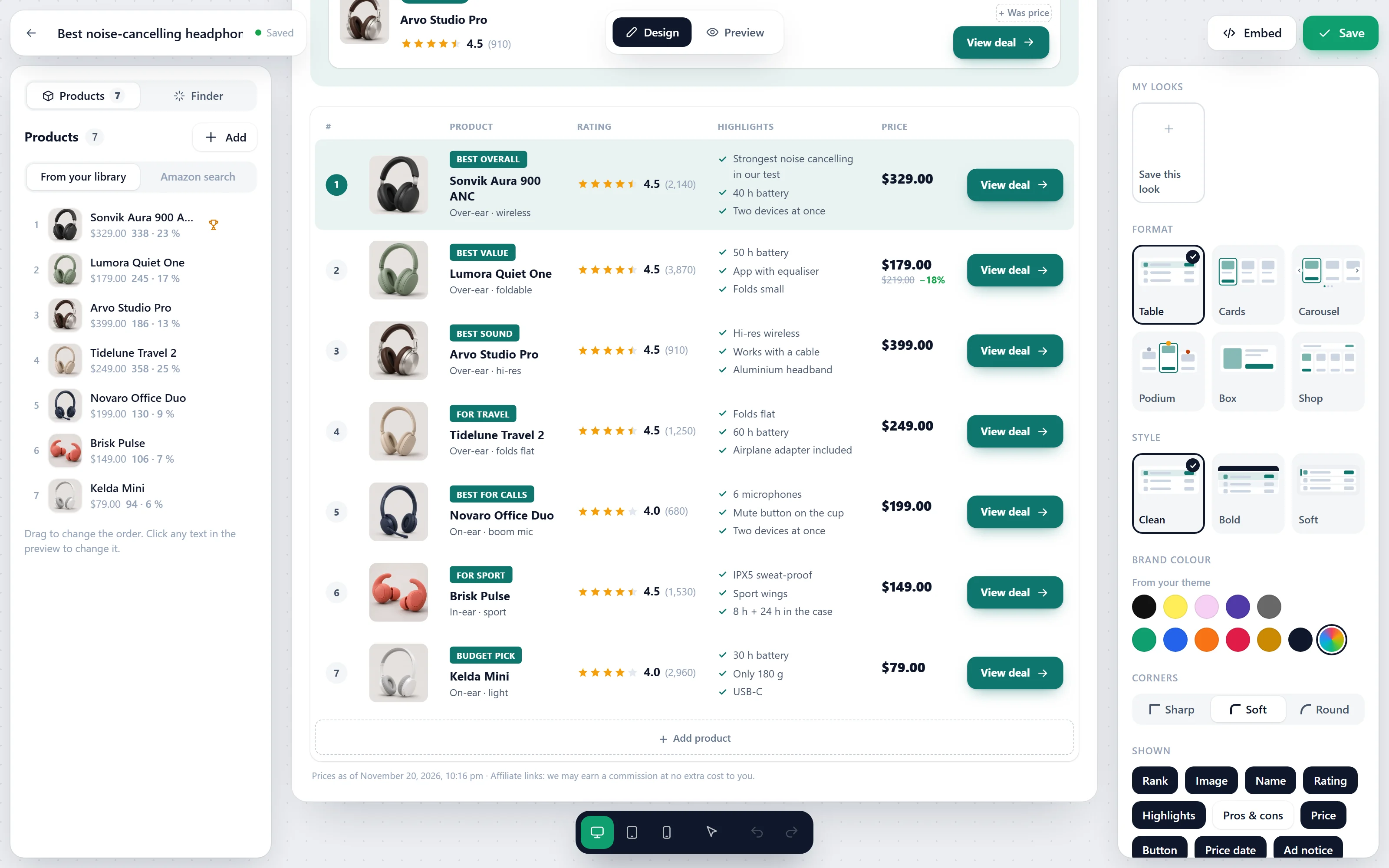
Most affiliate plugins give you a form and hope the result looks good. Product Boxes opens a full-screen studio where you change the comparison itself.
Click, type, done
Names, highlights, pros and cons, prices, badges and button labels go right into the preview. What you see in the studio is what your visitors get.
- Table, cards and product box – with Pro also carousel, podium and shop
- Style every button, badge, price and star, or save a look and reuse it
- Tables turn into cards on phones by themselves
- Undo and redo for every change
Every product once
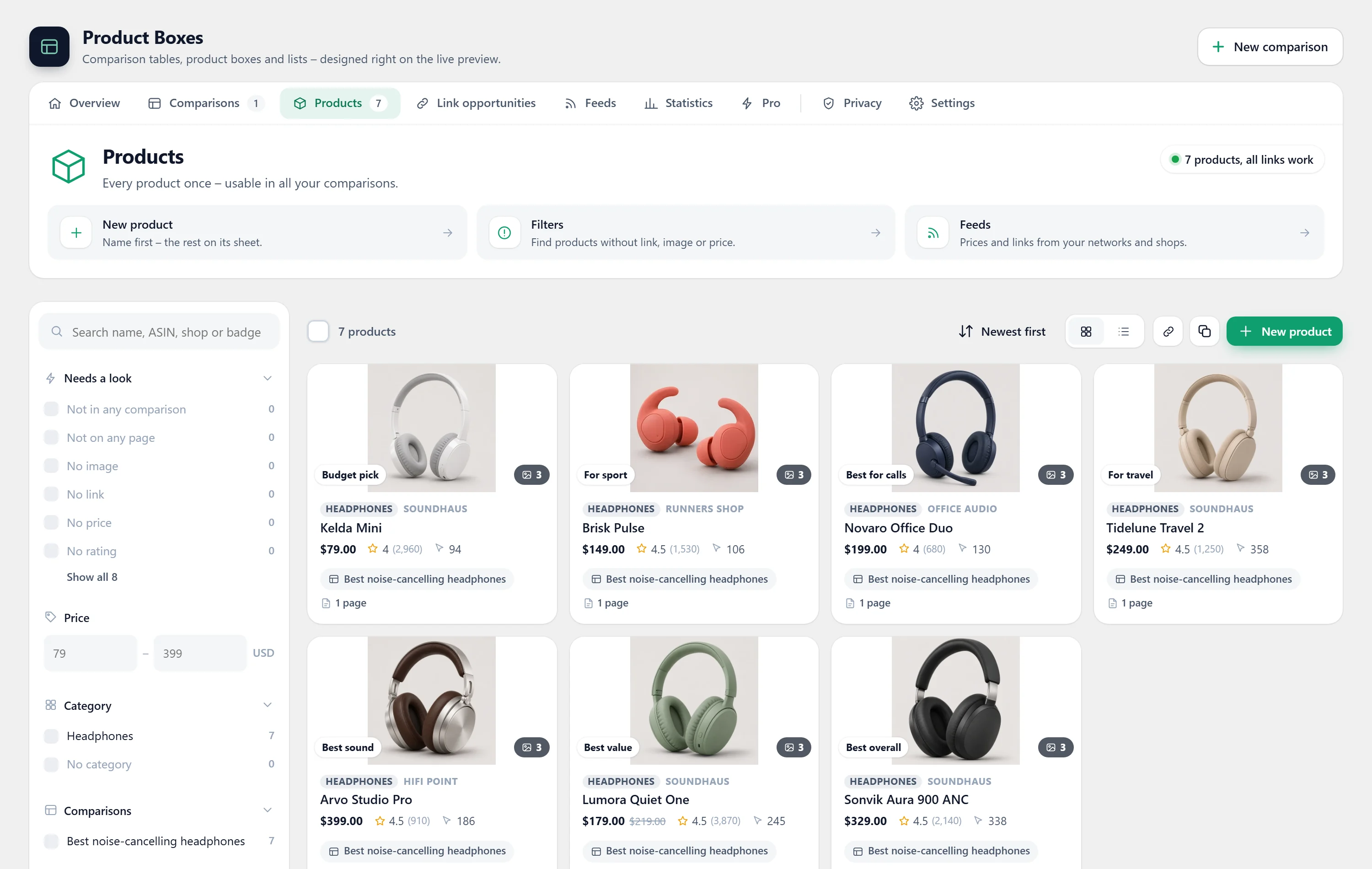
Each product lives in one library and appears in any number of comparisons, boxes and texts. Paste a list of shop links, ASINs or a table from Excel, and it turns into products.
- Product links in your text that follow the library
- With Pro: prices from shop feeds such as AWIN or Google Shopping, and from your WooCommerce shop
- A weekly link check that finds dead shop links
Your colours, your buttons, your shapes
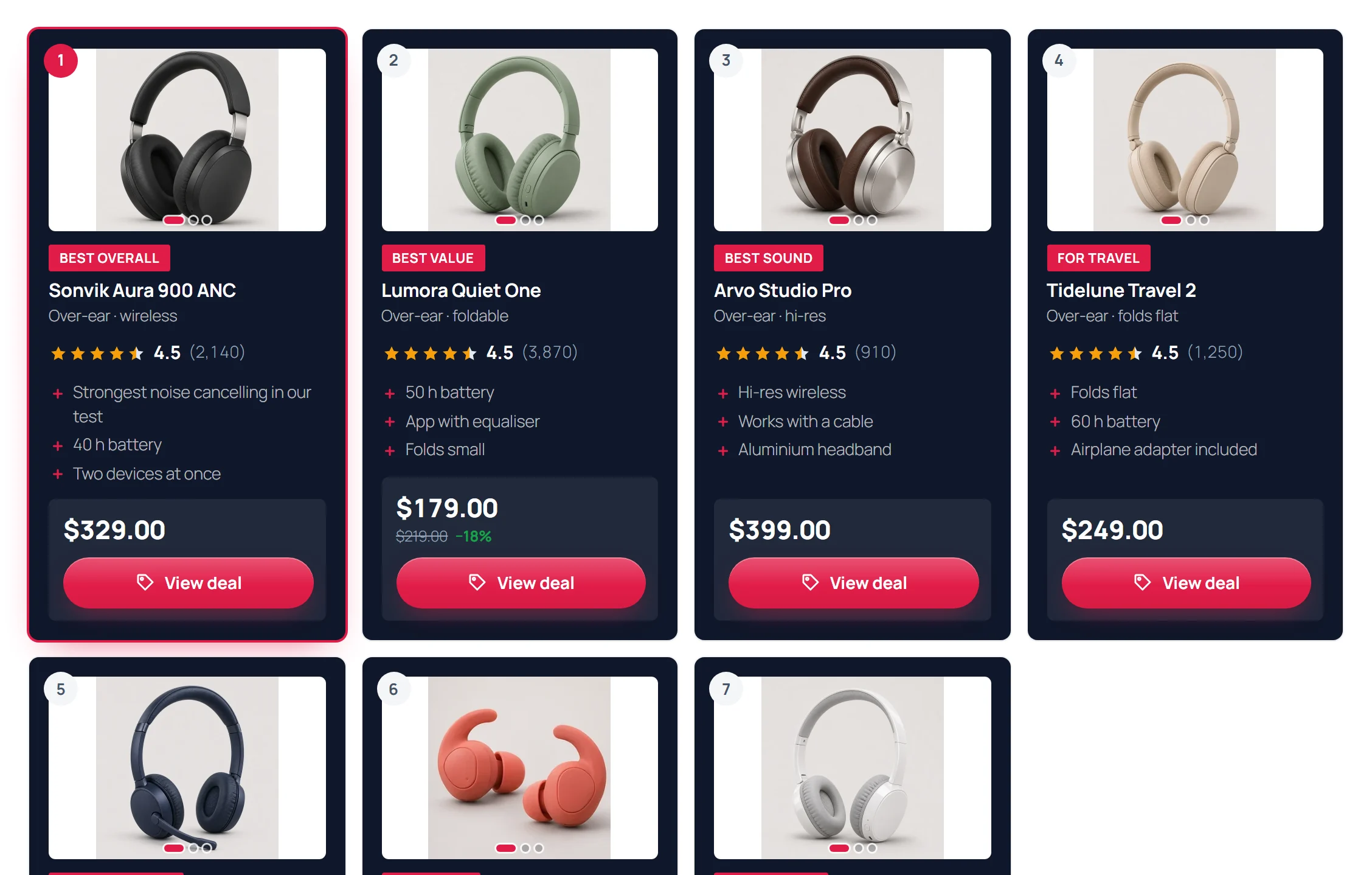
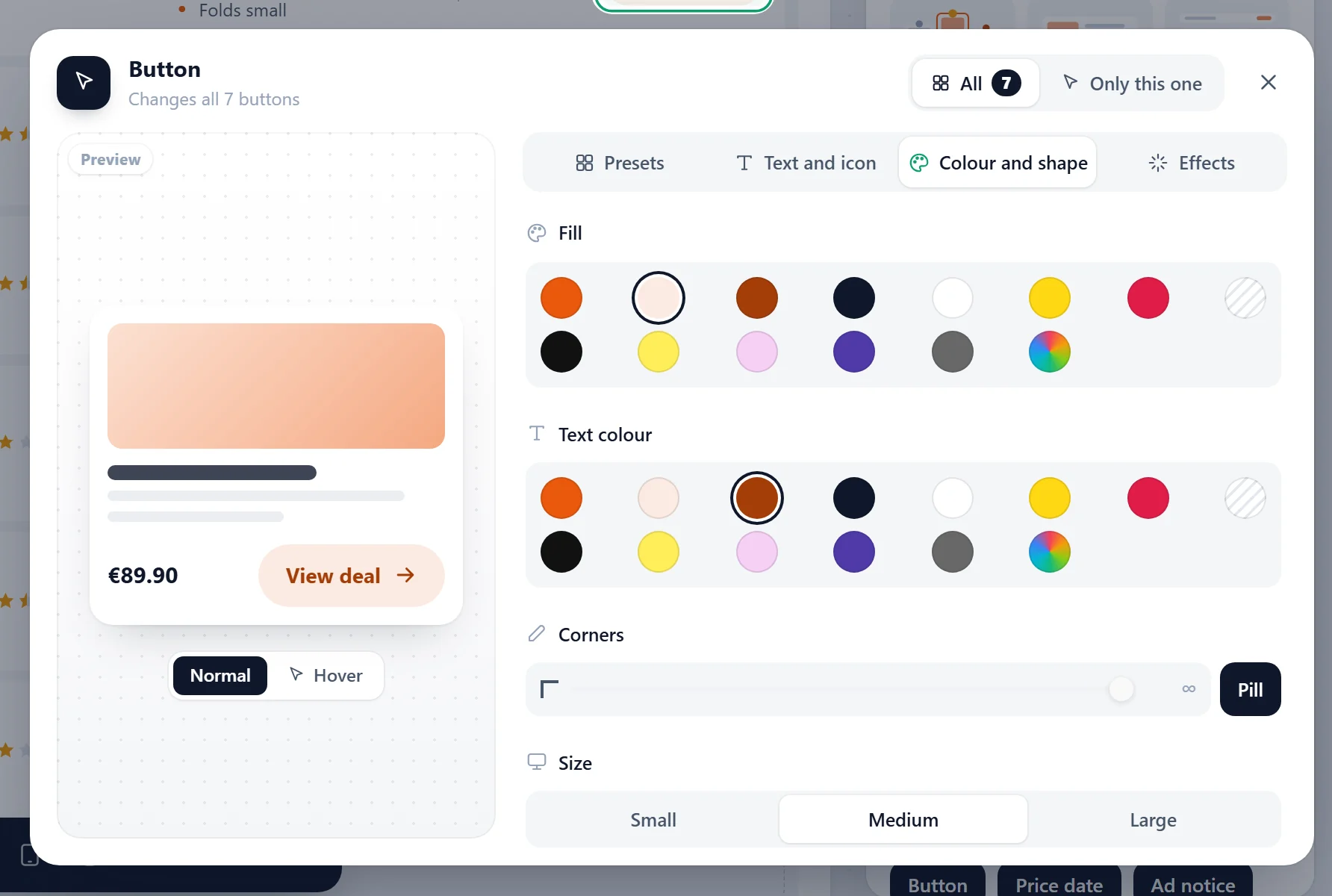
Start from Clean, Bold or Soft, pick your brand colour and the corners, then click any button, badge or price to change just that. The same seven headphones, four looks:
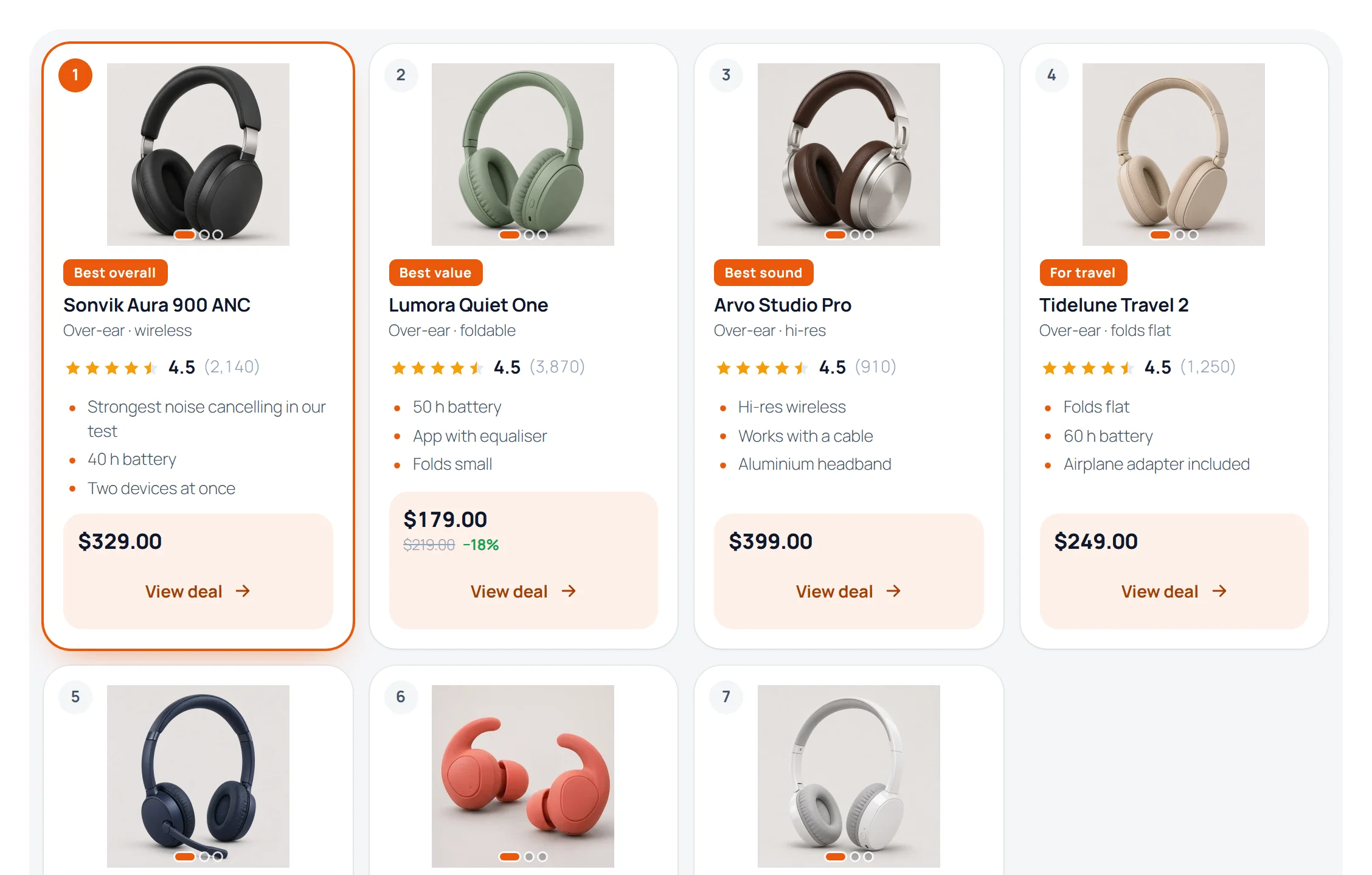
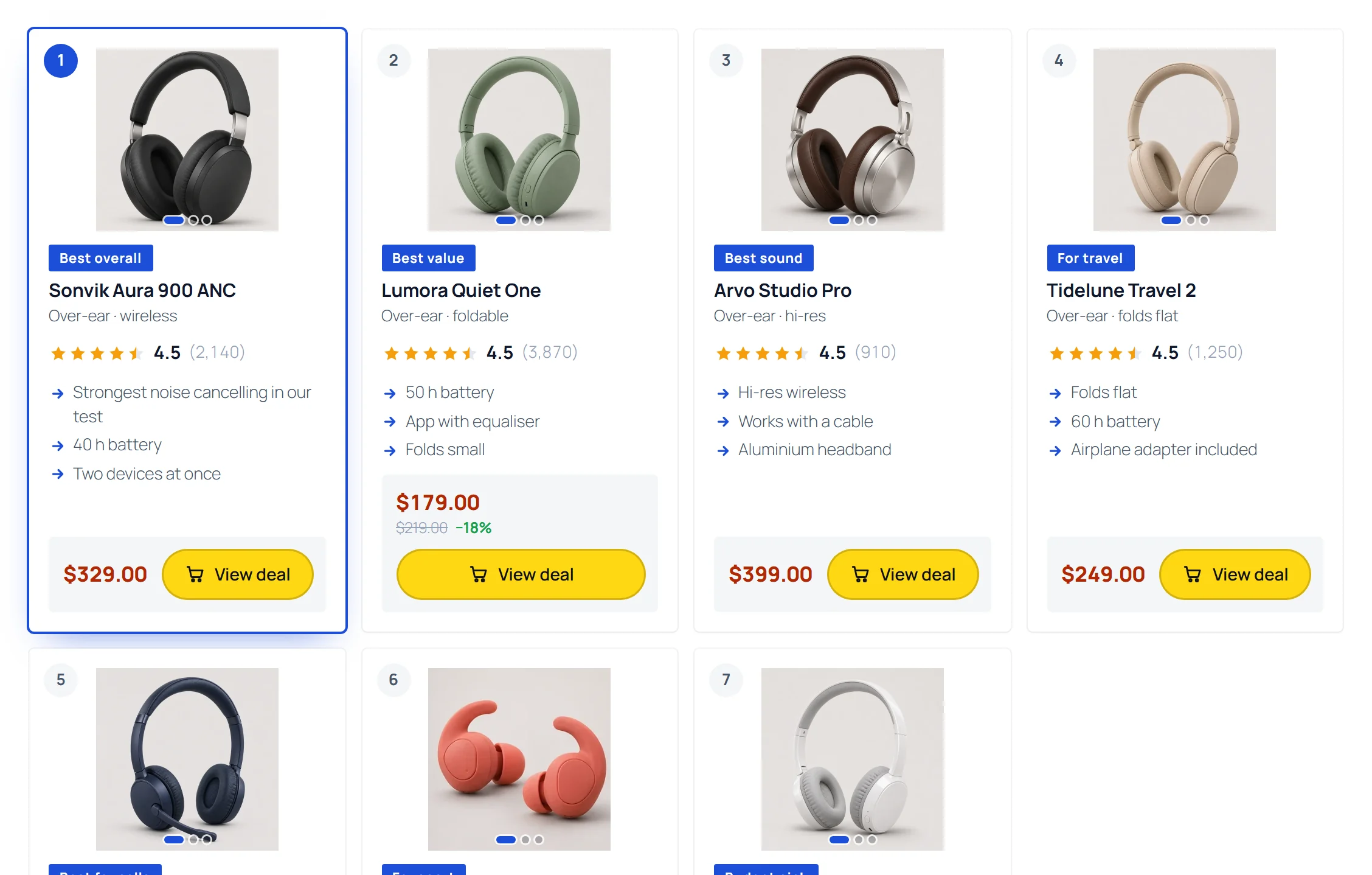
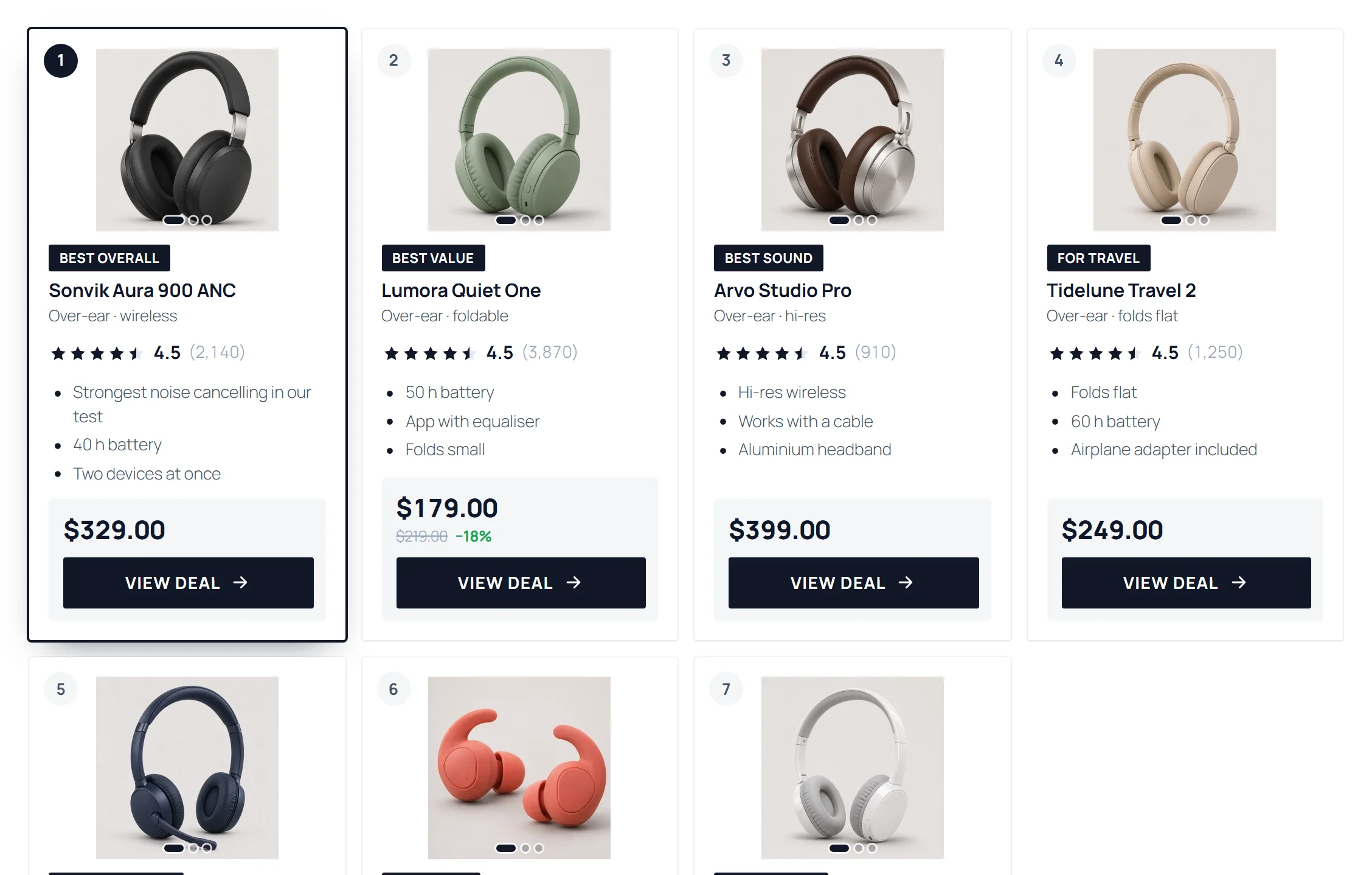
Click a button, pick its style
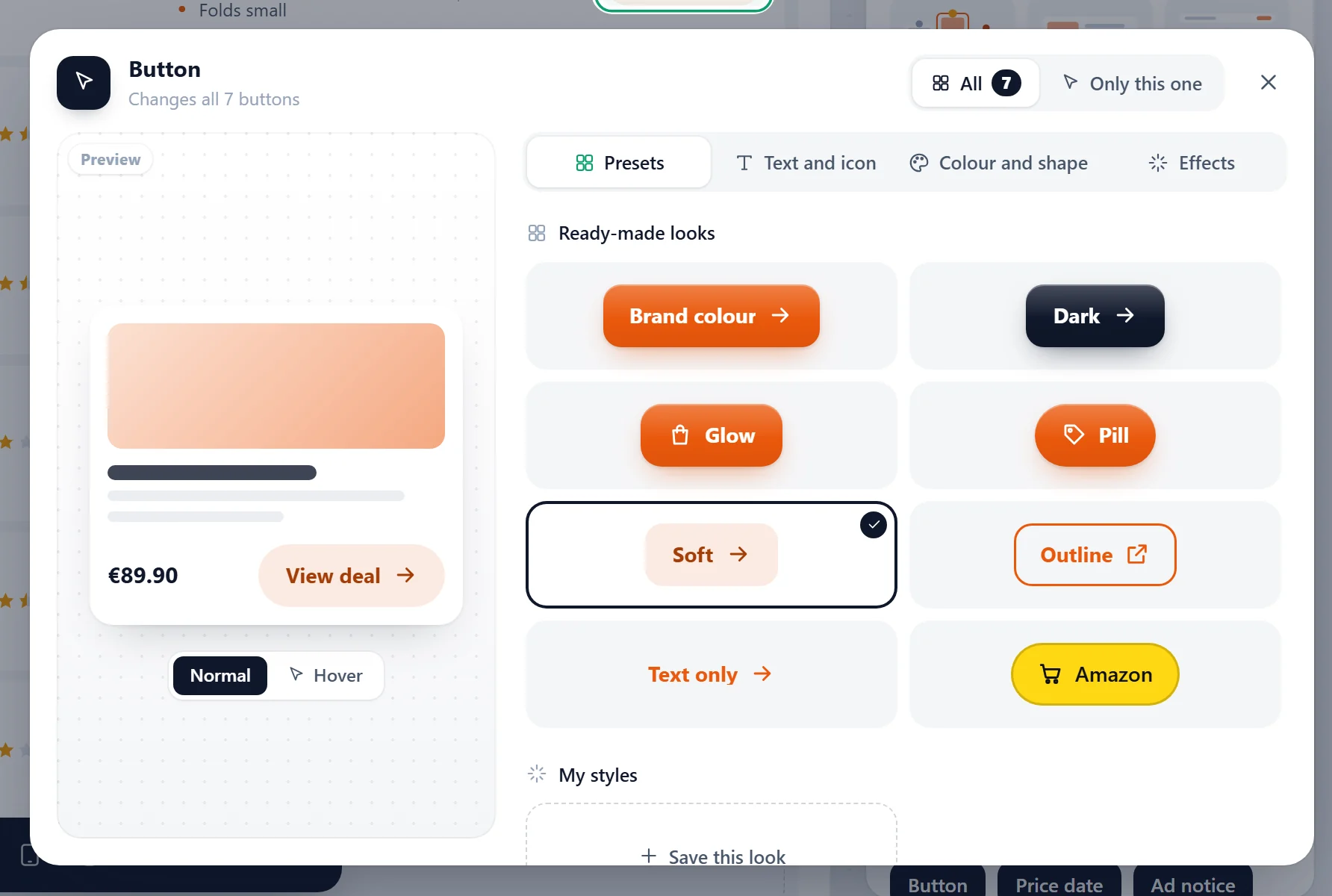
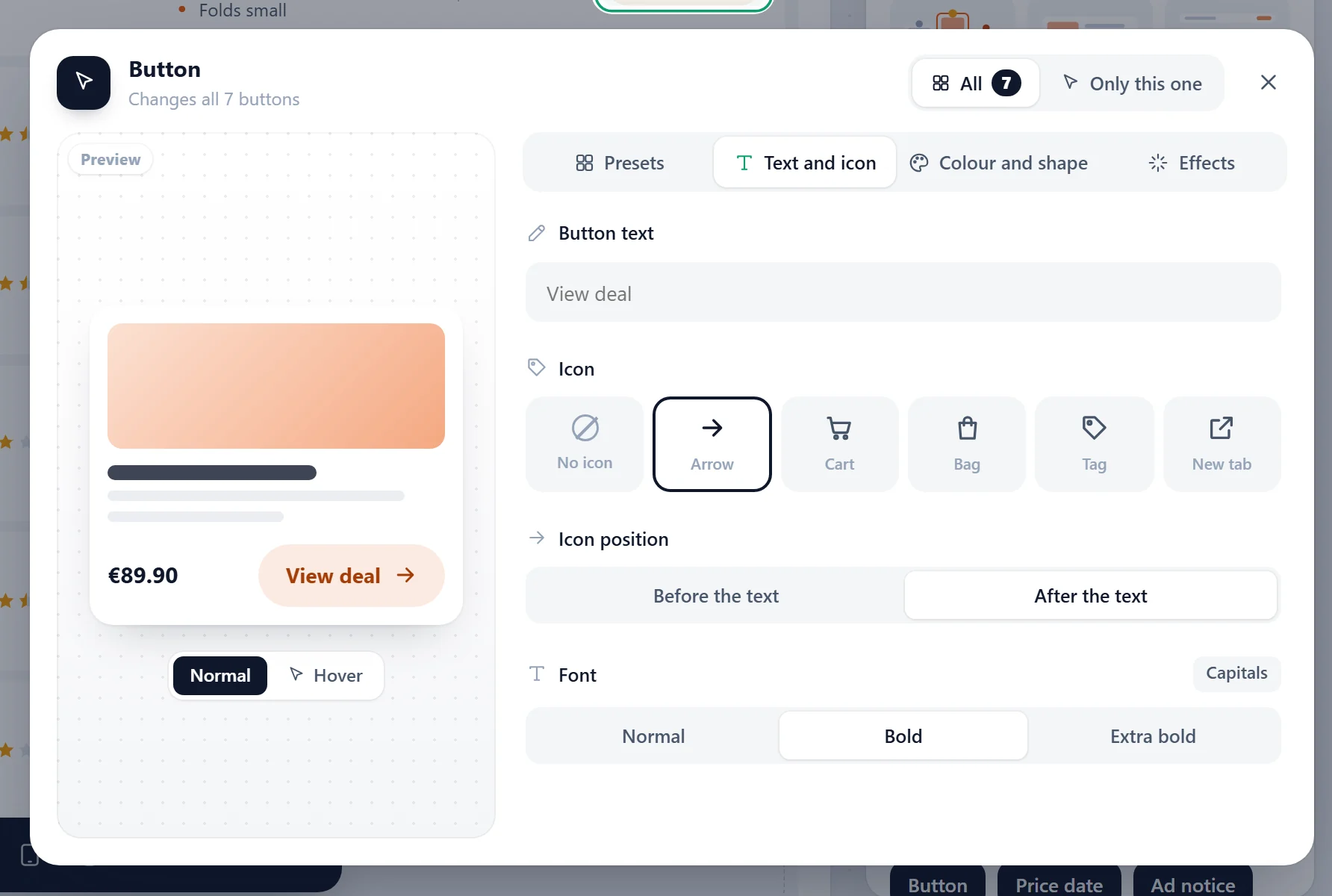
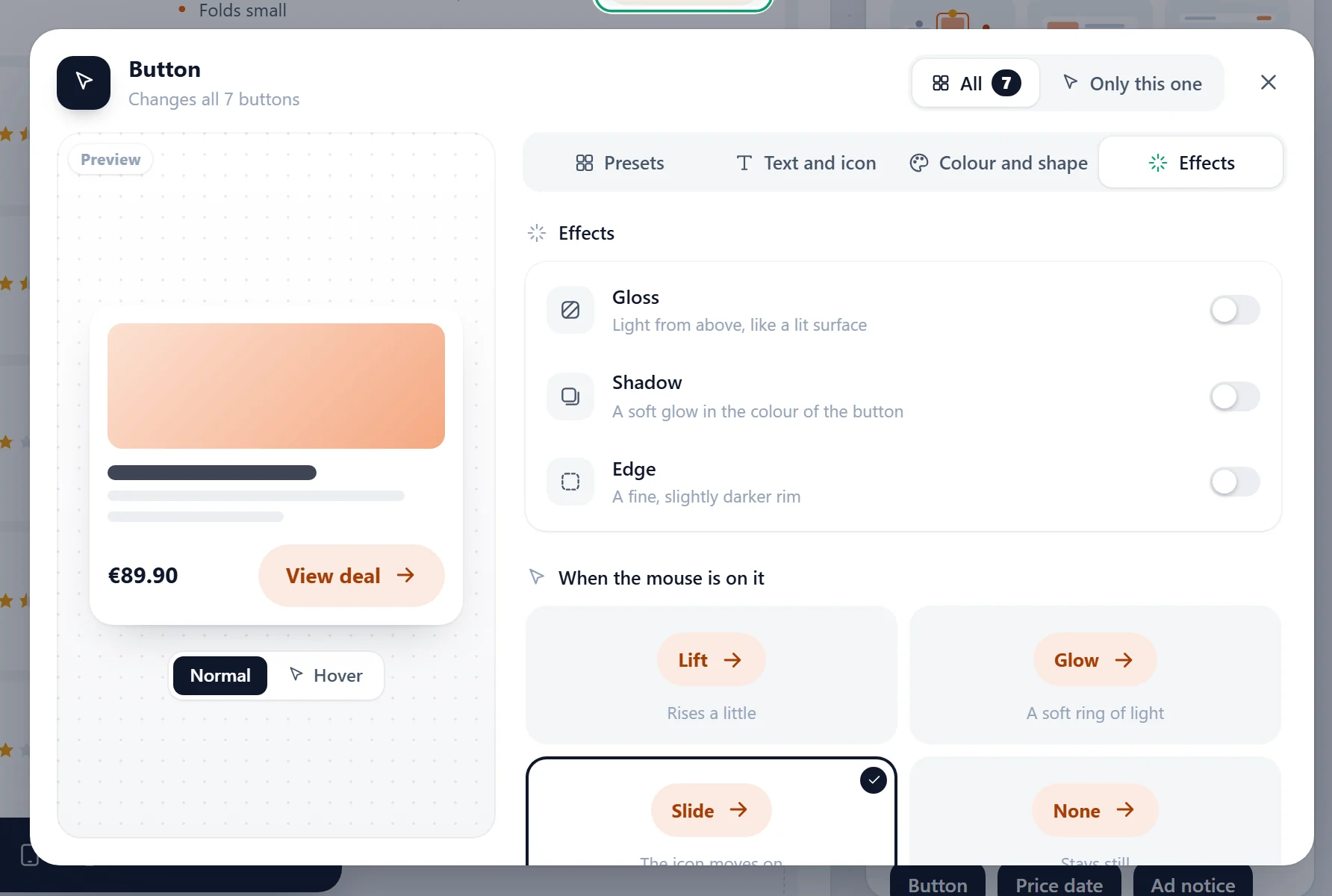
Every element has its own menu right in the preview. Buttons come with ready-made looks, and each part can be changed: text and icon, colour and shape, effects.
- Icons such as arrow, cart, bag, tag or external link, on the left or the right
- Hover effects: lift, glow or a sliding icon
- Badges as pill, rounded or square, prices small to large, highlights with ticks, dots, plus signs or arrows
- Change all buttons at once or only this one
- Save a look and use it in every comparison
The right product for each visitor
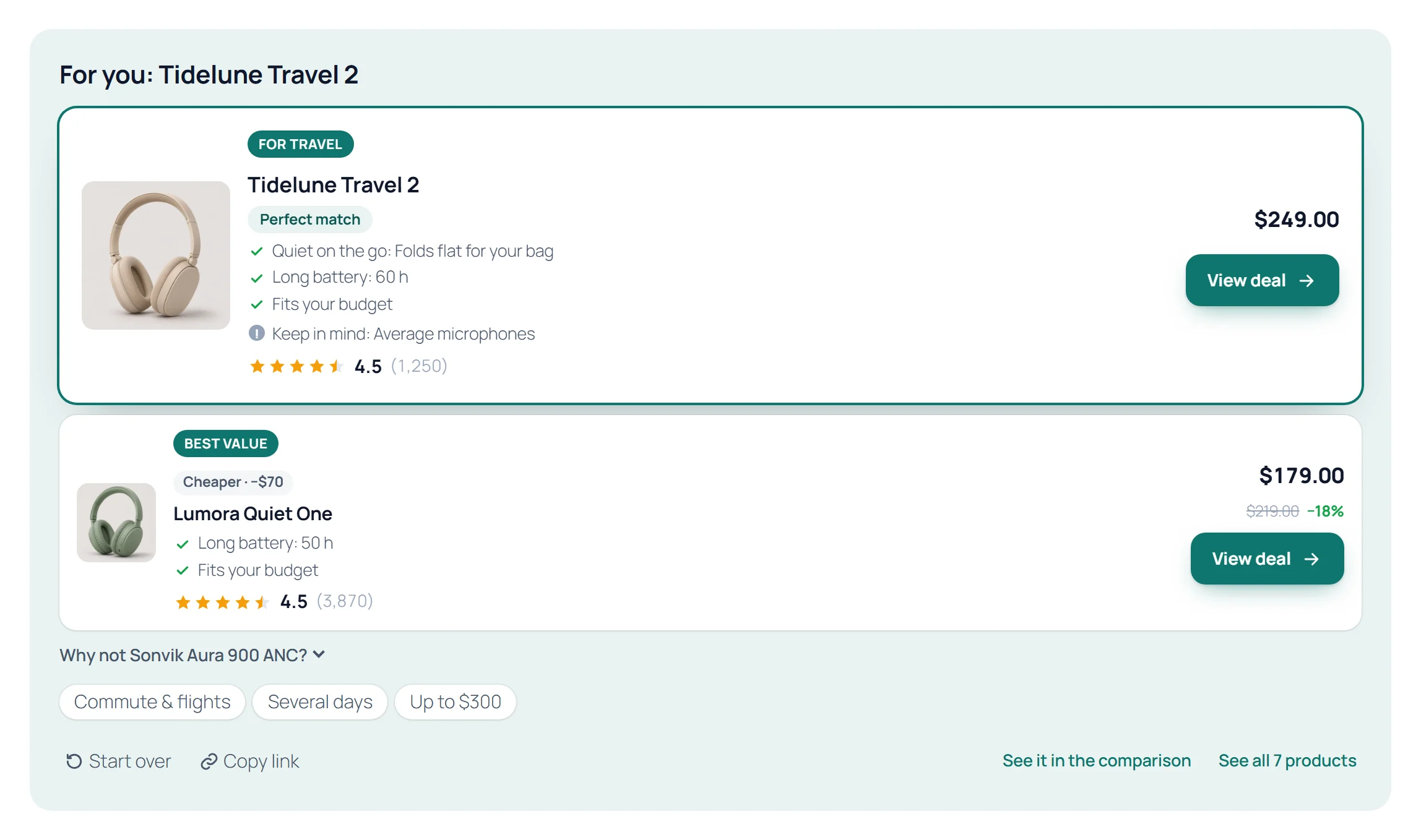
Put a few questions above any comparison, like "What's your budget?" or "Do you have pets?". Visitors get the products that fit them, with honest reasons: what fits and what does not. The studio suggests first questions from your products, and without JavaScript the finder reads as a guide with links.
A recommendation, not a filter
Three answers, one product: “For you: Tidelune Travel 2”, with the reasons in your words and one honest line to keep in mind.
- Up to two alternatives, each with a role: cheaper, higher rated, just as good
- The comparison below marks the match and fades what does not fit
- “Why not …?” when your top pick did not make it
- A link that opens the same result, for sharing
Set up on one sheet
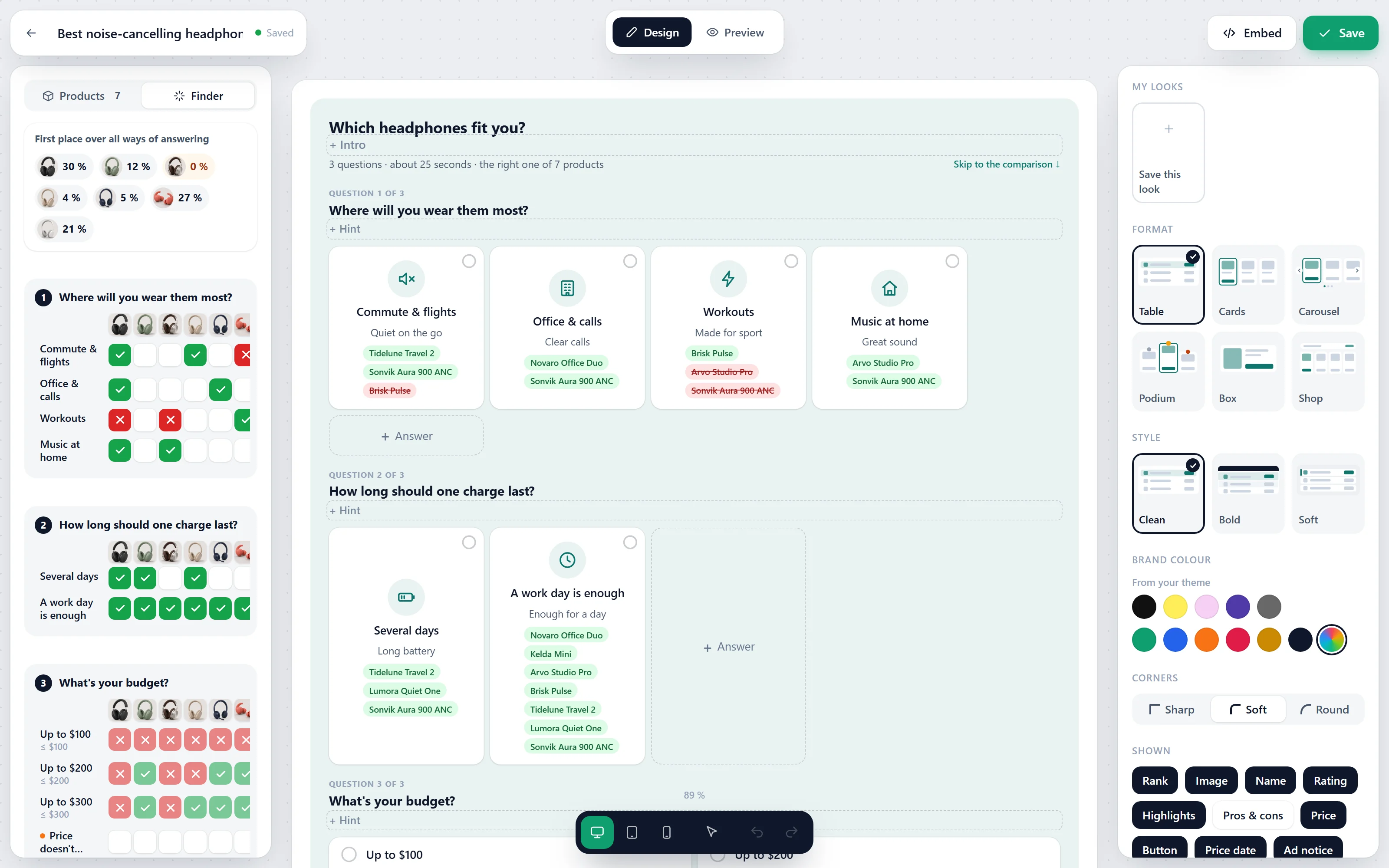
Tick which product fits which answer, or rule it out. The studio counts how often each product comes first over all ways of answering, so no product gets lost.
- Questions, answers and reasons right in the preview
- Budget questions compare with the current price
- Try it as a visitor before you publish
Affiliate links that stay on the safe side
Amazon's rules and the courts' view on advertising are built in, so you do not have to remember them for every box.
Amazon-safe prices
Without Amazon's interface, Amazon products show "See price on Amazon" instead of a typed-in price, and no Amazon review counts.
Ad labels at the element
"Ad" at every button or once on top, and at product links in the text, plus the notice with Amazon's required sentence.
An honest price date
It changes only when a price changes or you confirm it, not with every edit.
Clean links
rel="sponsored" on every partner link, and structured data with only what visitors see.
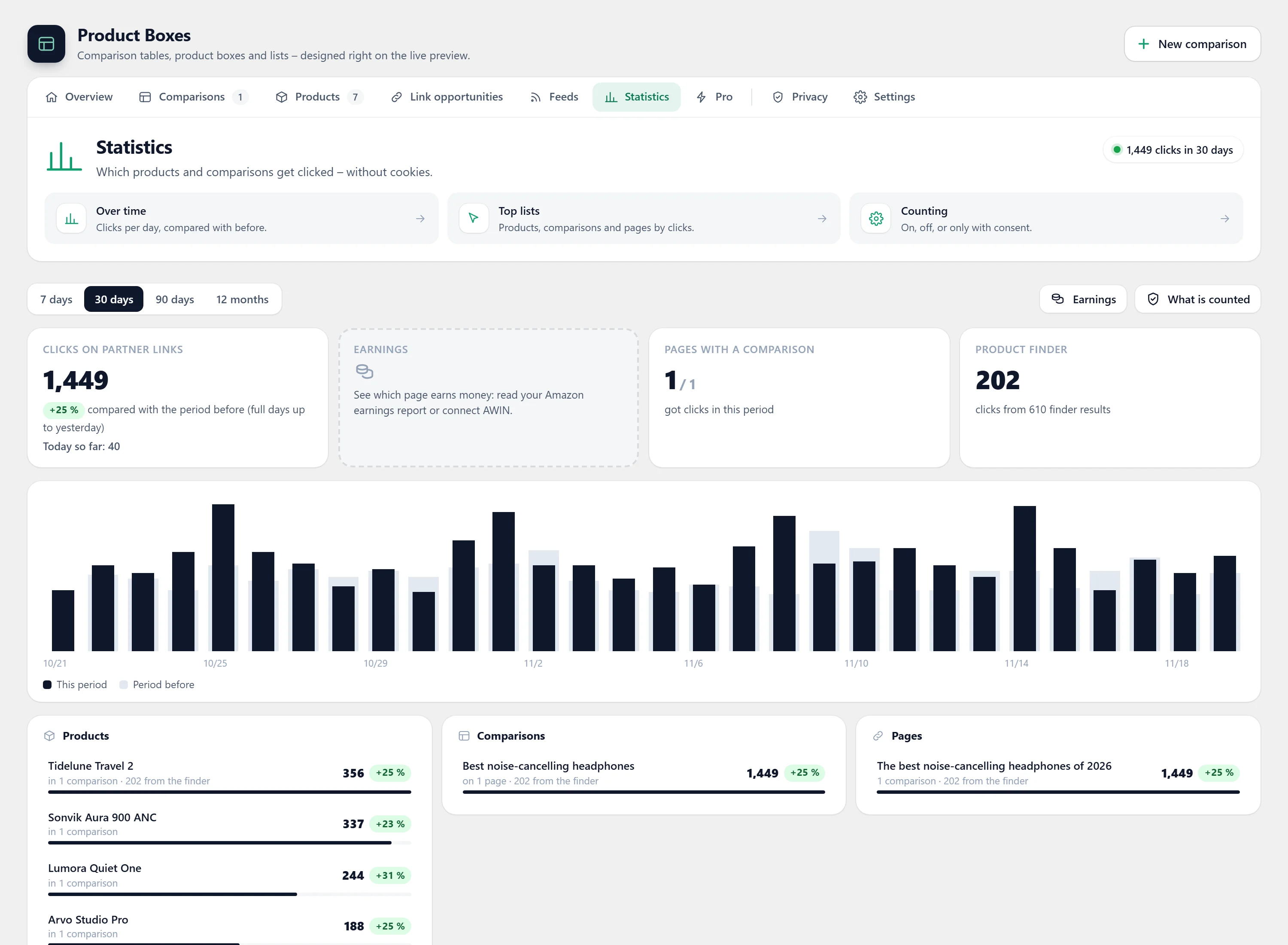
Which products get the clicks
Clicks on your partner links per product, comparison and page, as daily totals. No cookies, no IP addresses, no device data, nothing sent to other services. Count only with consent if you like, or switch counting off.
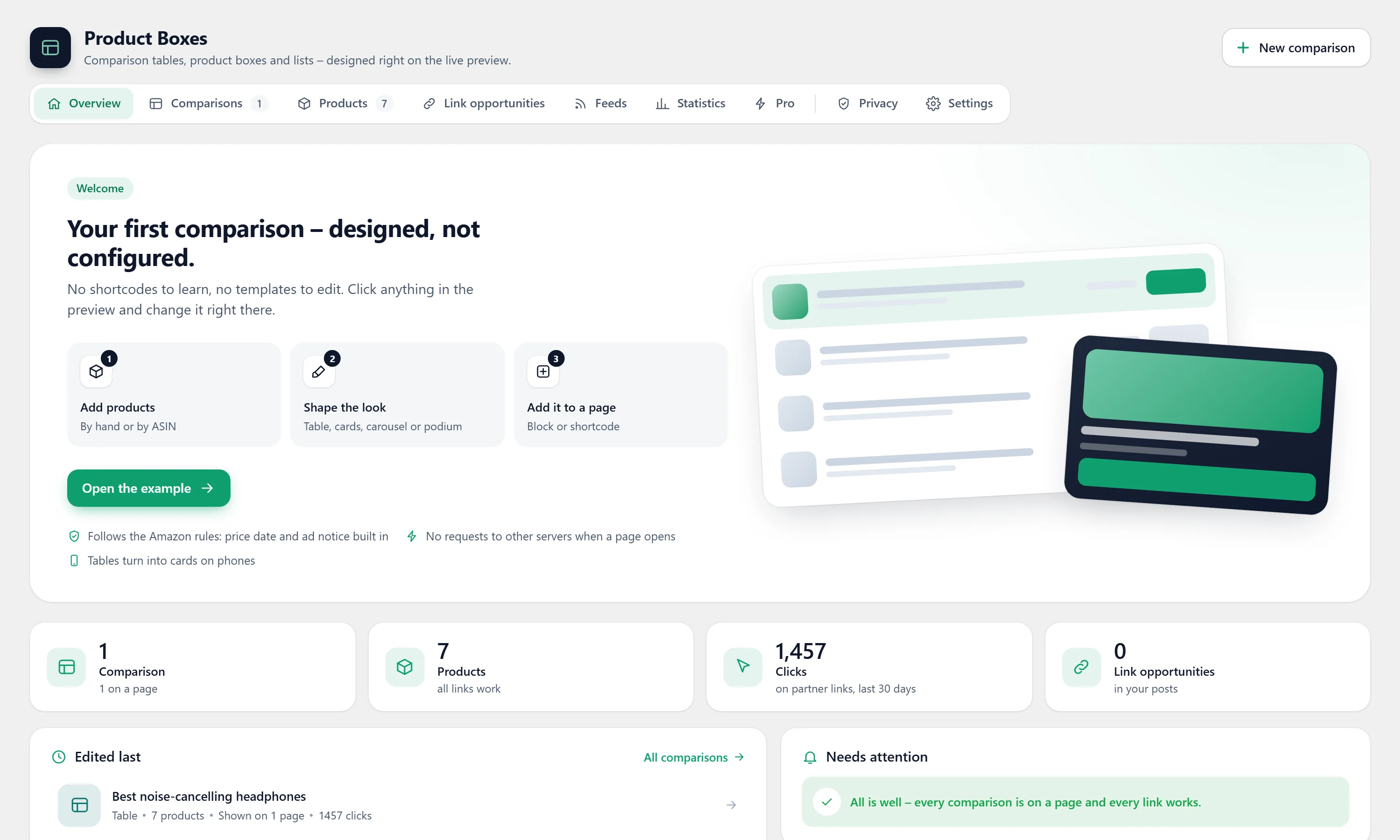
From AAWP or Lasso in one click
Your products come over, and products you already have are recognised. The old shortcodes keep working once you switch the old plugin off, and its data stays untouched.
Start free. Upgrade when your site grows.
The free version has no limits and stays complete. Pro adds what affiliate sites need once they grow. If Pro ends, nothing is deleted. For agencies: 5 or 25 websites in one licence.
Free
For every website.
- As many comparisons and products as you like
- The full-screen studio
- Table, cards, product box and links in your text
- Amazon prices through the API, link check, click statistics
- Moving from AAWP or Lasso
Pro
For one website.
- Everything in Free
- Carousel, podium and a shop with filters
- Product finder above any comparison
- Prices from shop feeds and your WooCommerce shop
- Earnings per page and the Amazon store by country
- Link opportunities in your posts
- Updates and support by email
Try it free for 7 days · 14-day money-back guarantee · prices plus VAT where applicable
Questions, answered
Do I need the Amazon API?
No. You can enter every product by hand, with any shop link. With only an ASIN, Product Boxes builds the Amazon link with your partner tag. Credentials for the Amazon Creators API are optional, and the settings include a connection test.
Why does an Amazon product show "See price on Amazon"?
Amazon allows its prices on other sites only when they come from its interface. Prices typed in by hand break that rule, so Product Boxes does not show them for Amazon products. Your price still sorts the products (and, with Pro, answers the finder's budget question). Products from other shops show your prices as usual.
Can I use shops other than Amazon?
Yes. Every product can link anywhere. The partner tag is only added to Amazon links that do not have one yet.
Can I move over from AAWP or Lasso?
Yes. Your products come over with one click, and the old shortcodes keep working once you switch the old plugin off. Its data stays untouched.
Does it slow down my site?
Pages get a small stylesheet. JavaScript is loaded only where it is needed: for image slideshows and click counting, and with Pro for the carousel, the product finder and the shop.
What is free and what is Pro?
The free version has no limits: as many comparisons and products as you like, the studio, tables, cards, product boxes, links in your text, Amazon prices, the link check and click statistics. Pro adds the carousel, the podium, the shop with filters, the product finder, prices from shop feeds and WooCommerce, earnings per page, the Amazon store by country and link opportunities. If Pro ends, nothing is deleted.
Are the click statistics GDPR-friendly?
Product Boxes stores only daily totals per product, comparison and page: no cookies, no IP addresses, no device data, nothing sent to other services. Whether you need consent depends on your site; you can count only with consent or switch counting off. This is not legal advice.