
Light & sky
Pick morning, evening or night. Or go live, with the sun as it stands right now over your map. The light falls on the 3D buildings, and a sky with clouds or stars rises above the horizon.
- Golden Hour Rooftop: Alexanderstraße 7, 10178 Berlin
- Lantern Supper Club: Rosenstraße 2, 10178 Berlin
- Uferlicht Wine Bar: Rolandufer 13, 10179 Berlin
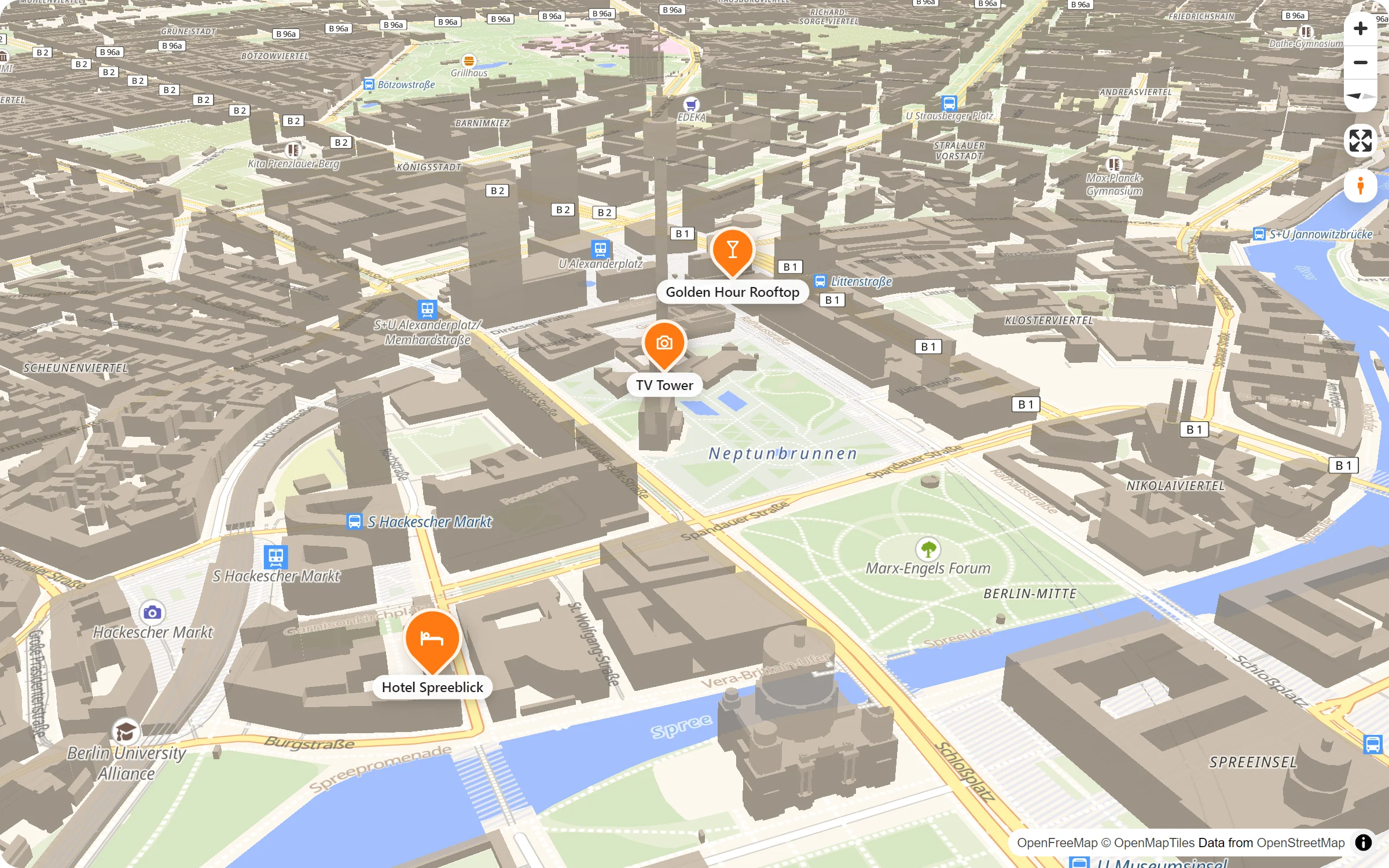
Live: the light “Evening”, looking west over Mitte. Turn the map with the right mouse button and watch the sky move.
A time of day for your map
Five moods
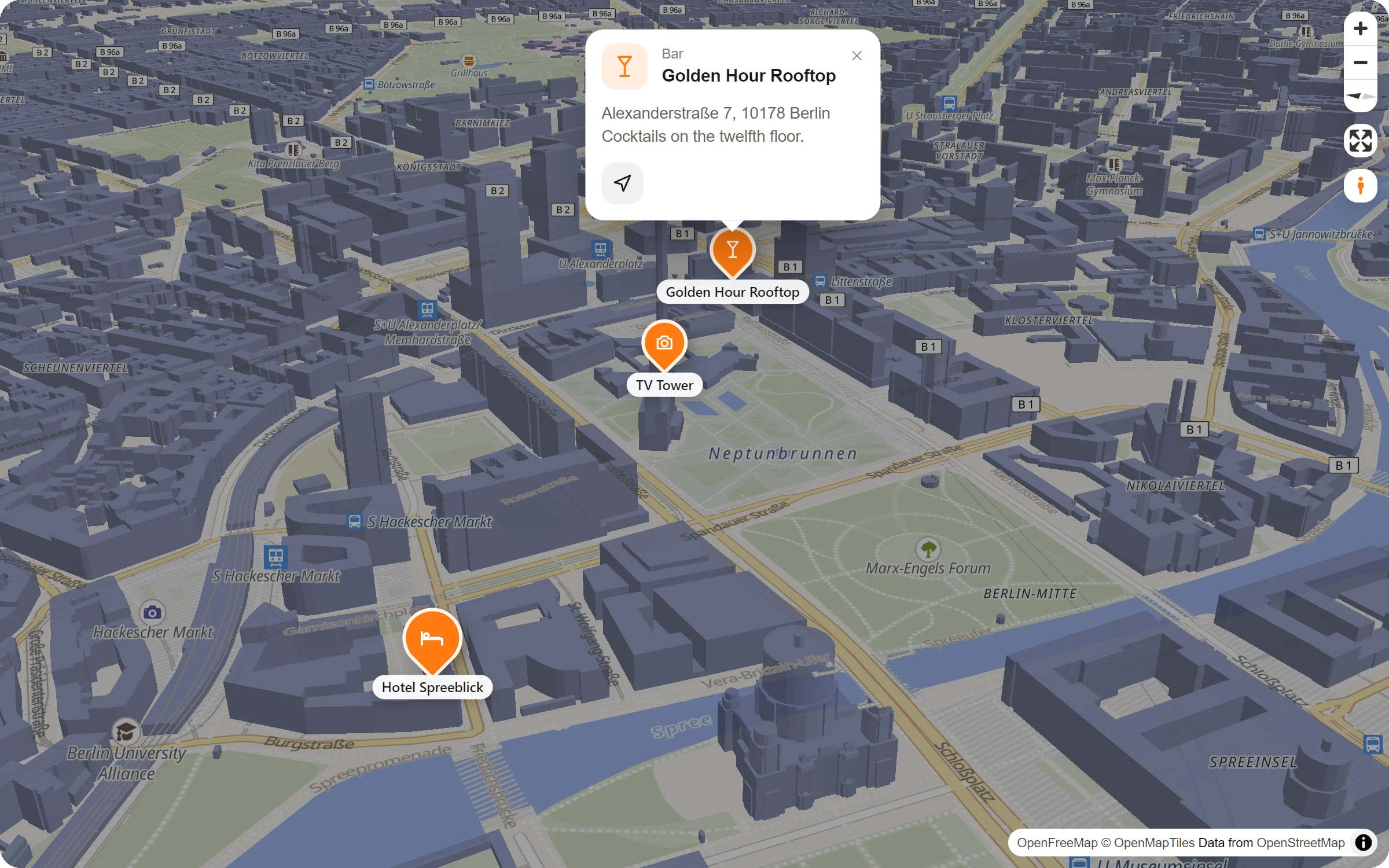
Day, Morning, Evening, Night and Live. Morning and evening warm the whole map a little, night darkens it.
Light on the buildings
With 3D buildings, the light comes from where the sun stands: from the east in the morning, from the west in the evening.
A sky above
Tilt the map and a sky shows above the horizon: clouds by day, stars at night. It moves a little when the map turns.
Live
The sun as it stands right now over your map. It follows the day every few minutes and turns to night when it gets dark.
Pick a sky
- Open the map settings. In the studio, the tab “Style and colour” on the right.
- Choose under “Light and sky”. Each choice is a little sky of its time. The map shows it as you click.
- Tilt the map to see it all. Switch on 3D buildings (the cube at the bottom), then set your view in the preview and press “Use this view”.
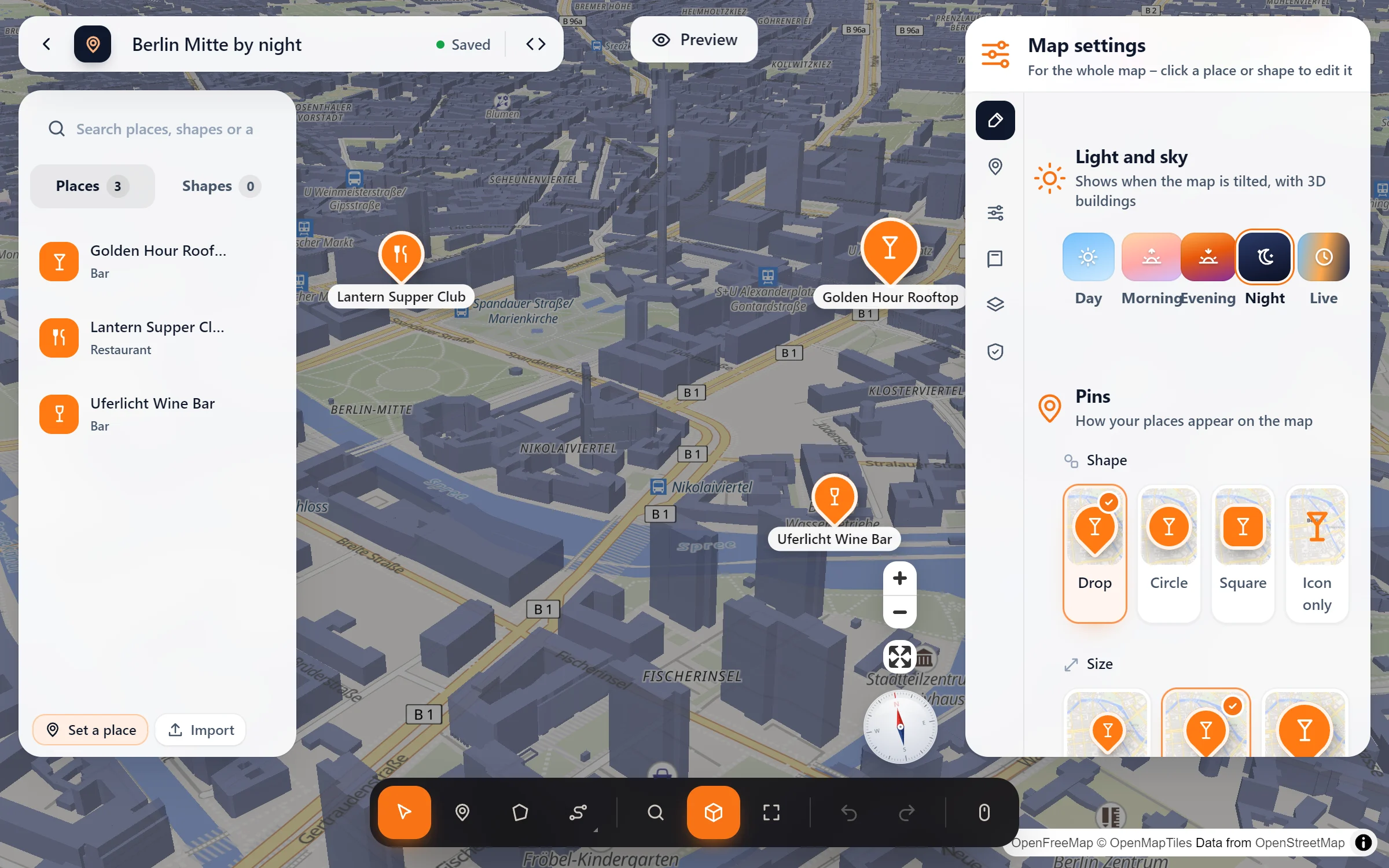
Morning and night
Questions people ask
Is it free?
Yes. All five moods, Live included, are part of the free plugin.
Does “Live” ask a server for the time or the sun?
No. The visitor’s browser works out where the sun stands from the map’s position and the time. Nothing is sent anywhere for it.
Do I need 3D buildings for it?
The warmer or darker map shows flat as well. The sky above the horizon and the light on the buildings need a tilted map, so 3D buildings show it best.
What about the Night and Fjord styles?
The two dark styles keep their night sky – they are dark enough as they are. For visitors in dark mode, “Follow dark mode” switches to the Night style by itself.
Who sets the mood
- Bars, rooftops and restaurants
- Hotels with a view
- Night events and festivals
- Sites with a dark design
- Photographers and city guides
- Story pages about a place
Free in Map Studio
Install the plugin, open Map Studio and start designing. You need no account and no API key.