
Map styles & brand colour
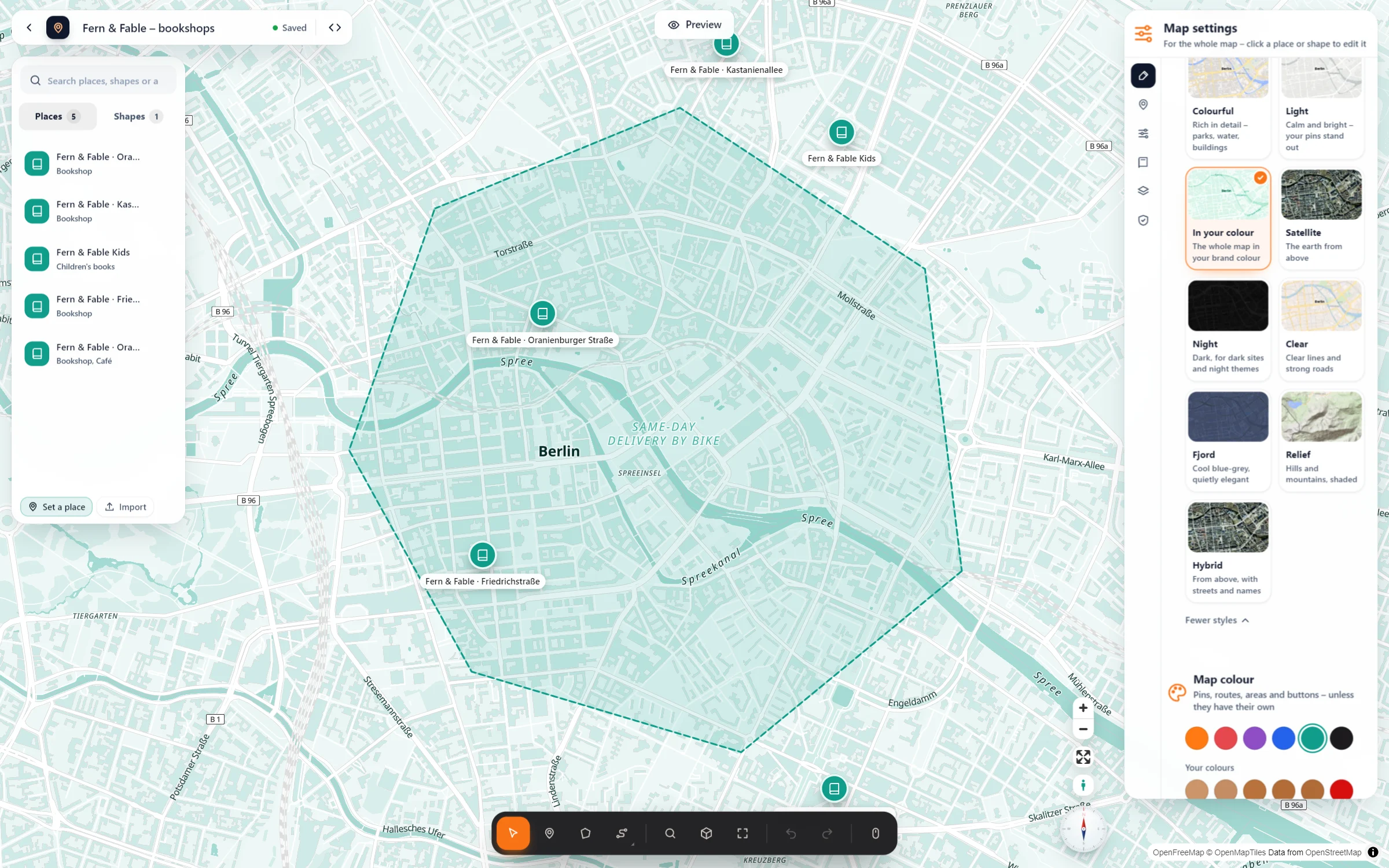
Pick how the map itself looks: calm, dark, rich in detail or entirely in your brand colour. Your pins, areas, routes and buttons follow along.
- Fern & Fable · Oranienburger Straße: Oranienburger Straße 32, 10117 Berlin
- Fern & Fable · Kastanienallee: Kastanienallee 41, 10435 Berlin
- Fern & Fable Kids: Kollwitzstraße 60, 10405 Berlin
- Fern & Fable · Friedrichstraße: Friedrichstraße 180, 10117 Berlin
- Fern & Fable · Oranienstraße: Oranienstraße 22, 10999 Berlin
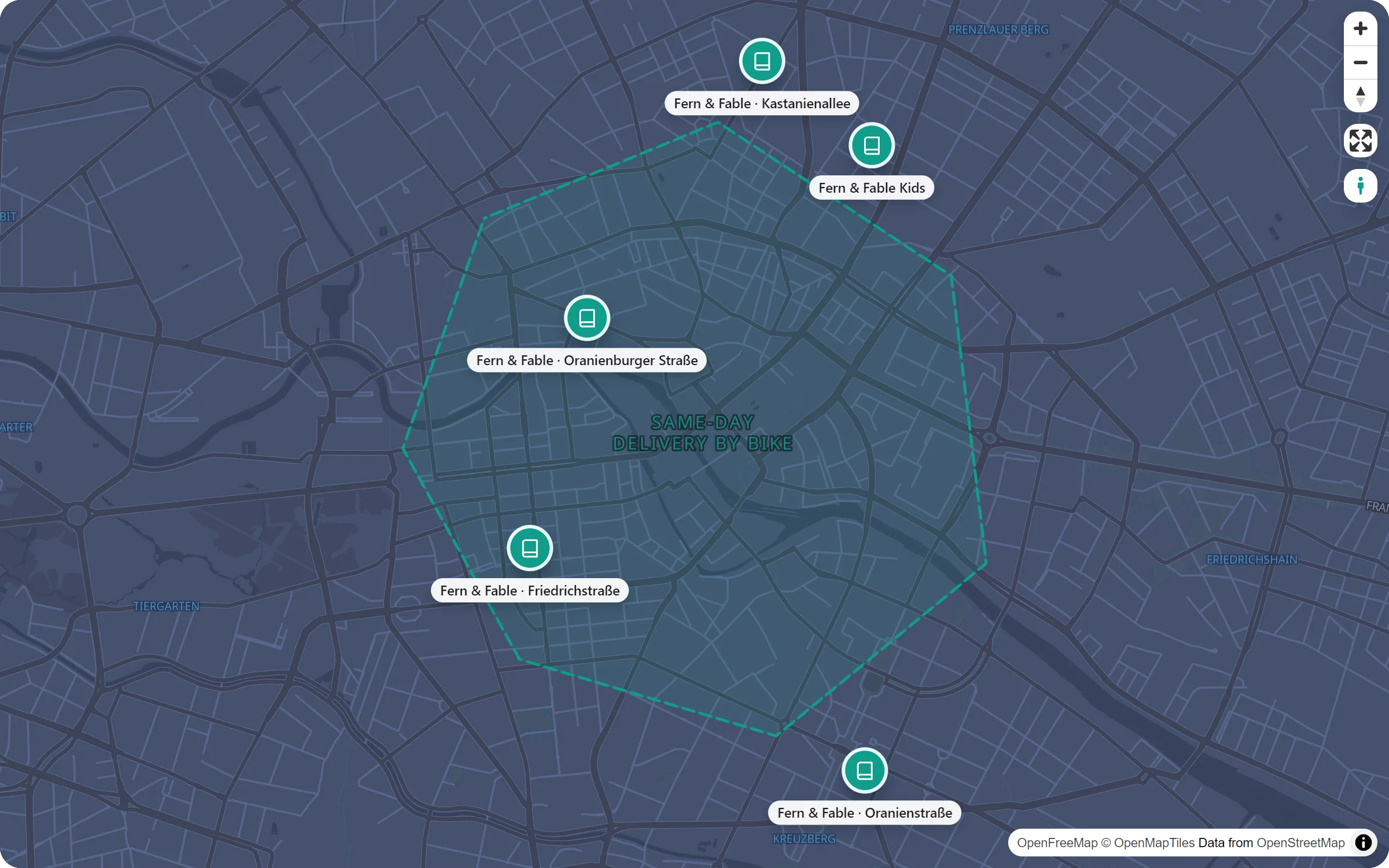
Live: the style “In your colour”, made from one teal. Pins, the delivery area and the buttons take the same colour.
A map that looks like part of your site
Six styles
Light, Night, Colourful, Clear, Fjord and “In your colour”. Each one appears as a little picture of the map, so you choose by looking.
Your brand colour
“In your colour” mixes water, parks, buildings and names from one colour. Roads stay white, so the map stays easy to read.
Everything follows
The map colour goes to pins, areas, routes and buttons, unless you give one of them its own.
Follows dark mode
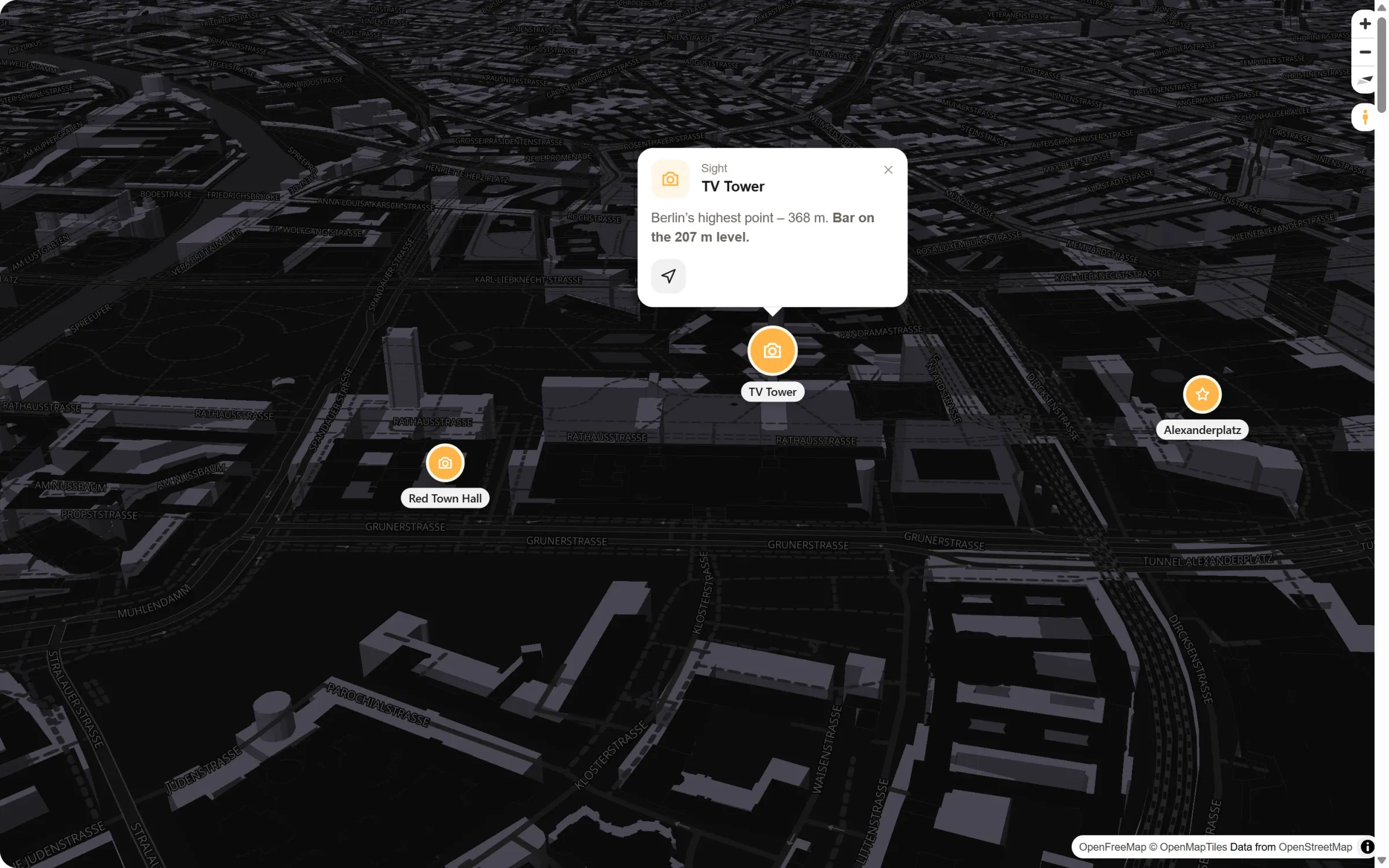
If you like, visitors whose phone or computer is set to dark get the Night style automatically.
Pick a picture, not a setting
- Open the map settings. In the studio, with no place selected, the panel on the right holds the settings of the whole map. Its first tab is “Style and colour”.
- Choose a style. Four favourites show first; “more styles” opens the rest. The map changes as you click.
- Set the map colour. One of the six swatches, or your own with the colour picker. Colours you pick are kept under “Your colours” for your next maps.
Same places, different mood
Questions people ask
Is it free?
Yes. All six styles, the brand colour and “Follow dark mode” are part of the free plugin. Map Studio Pro adds three more looks: Relief with shaded hills, and Satellite and Hybrid with aerial photos.
Can I change the style later?
Any time. The map is saved once and shown wherever you placed it. If you change the style in the studio, every page shows the new one.
Can my new maps start in my style?
Yes. Under Map Studio → Settings you set the look of your maps (style, colour and pins), and new maps start with it.
In which language are the place names?
In your site’s language wherever OpenStreetMap has the name in it, otherwise in the local name.
In our guides: styled maps without Google (Snazzy Maps alternative) · Mapbox alternative
Who cares how a map looks
- Brands with a strong colour
- Sites with a dark design
- Shops and cafés with a calm, light site
- Hotels and venues
- Agencies building client sites
- Towns and tourism pages
Free in Map Studio
Install the plugin, open Map Studio and start designing. You need no account and no API key.